
Remove Image Backgrounds Online
Automatic background removal. Free to try
or drop a file, paste an image, or use a
No image? Try one of these:
By uploading an image or URL, you agree to our Terms of Service. To learn more about how Remove Bg handles your personal data, read our Privacy Policy.
Compare Before and After Background Removal
Drag the handle to compare the original image with the transparent-background result.
How Our Background Remover Works
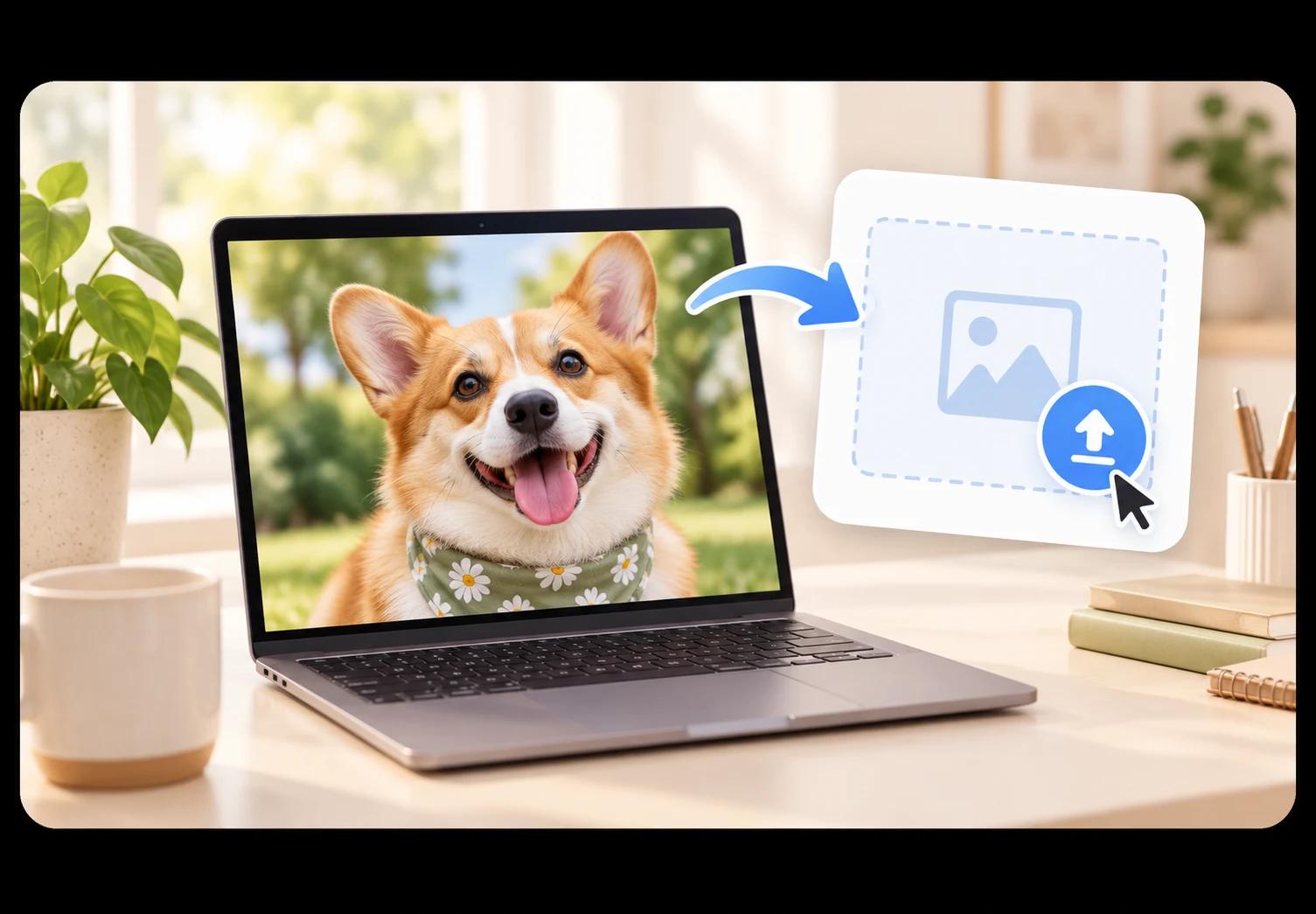
Upload Your Image
Choose a JPG, PNG, or WebP file, paste an image URL, or drag a photo into the upload area.
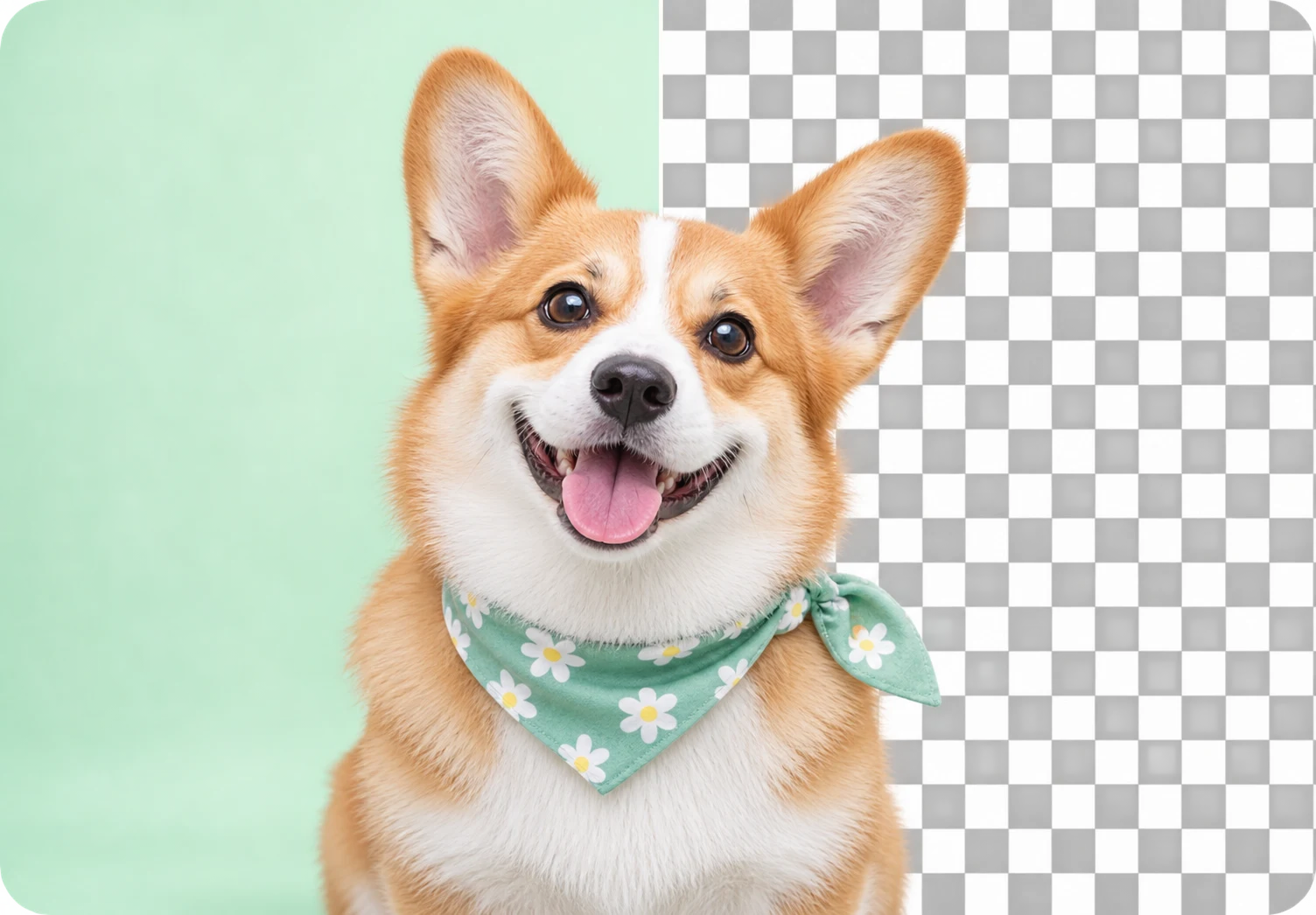
Remove the Background
The background remover identifies the main subject and removes the surrounding background automatically.

Download Your Result
Preview the cutout, compare it with the original, and download a transparent PNG.
AI Background Remover for Every Type of Image
Use the background remover for polished product photos, flexible property assets, and detailed people cutouts.
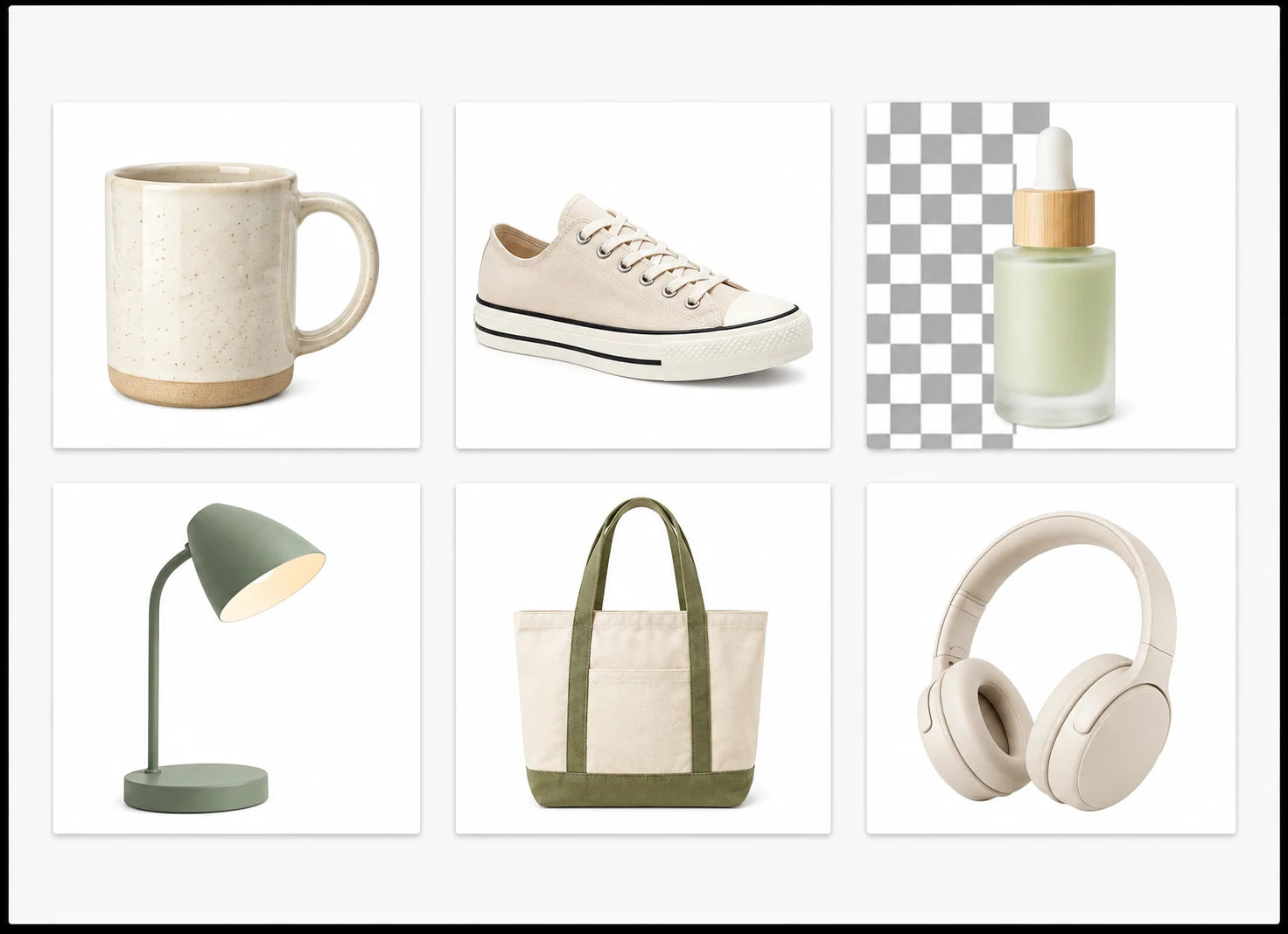
Remove Backgrounds from Product Photos
Create clean, transparent product images for online stores, marketplaces, ads, and catalogs. Keep every listing consistent without manually tracing around each item.
Prepare Flexible Real Estate Visuals
Isolate houses, floor plans, furniture, and property details so they can be reused across listings, presentations, signs, and promotional materials.

Handle People and Detailed Subjects
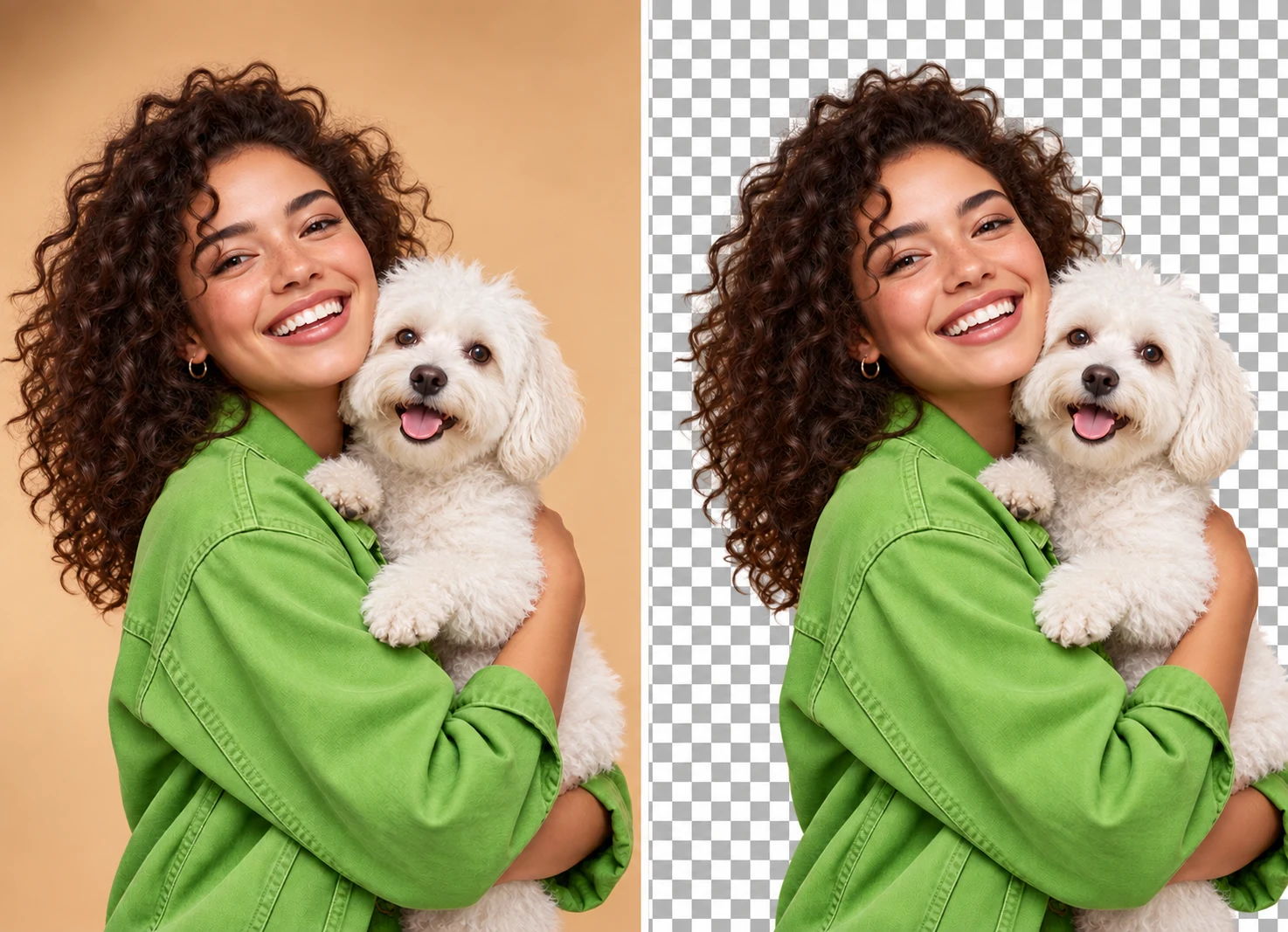
Remove backgrounds from portraits, groups, pets, accessories, and detailed objects while preserving the edges that make each subject feel natural.
Why Choose Our AI Background Remover?
Clean edges, transparent HD results, and a simple workflow for everything from portraits to product photos.

Preserve Hair, Fur, and Fine Details
Advanced AI separates subjects while keeping delicate edges such as hair, fur, soft shadows, and intricate shapes looking natural.
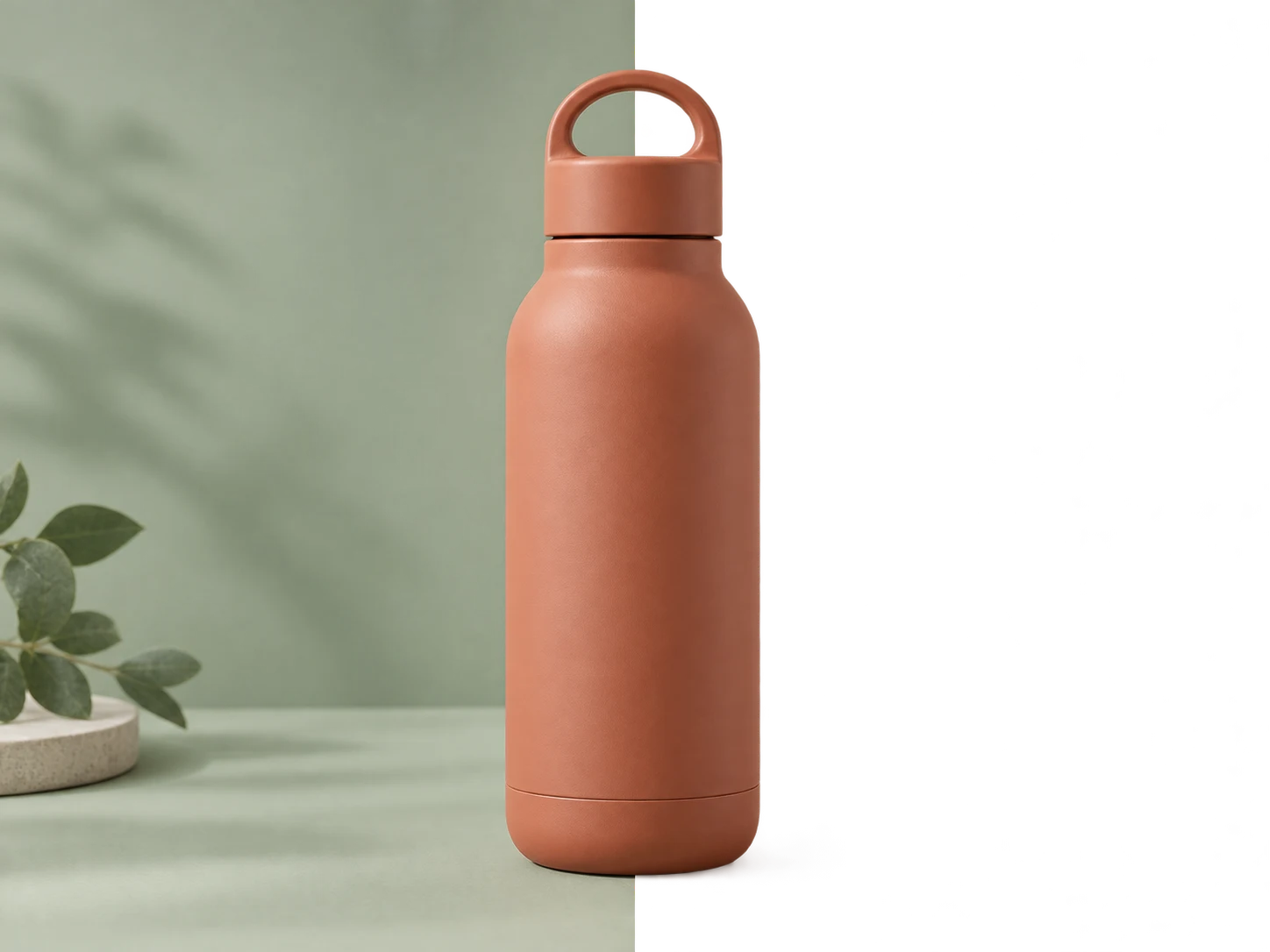
Remove Backgrounds in Seconds
Upload your image for online background removal, then preview and download the cutout in your browser. No software installation is required.

Create Transparent PNGs in HD
Download a crisp transparent PNG ready for product listings, presentations, print designs, and professional creative work.
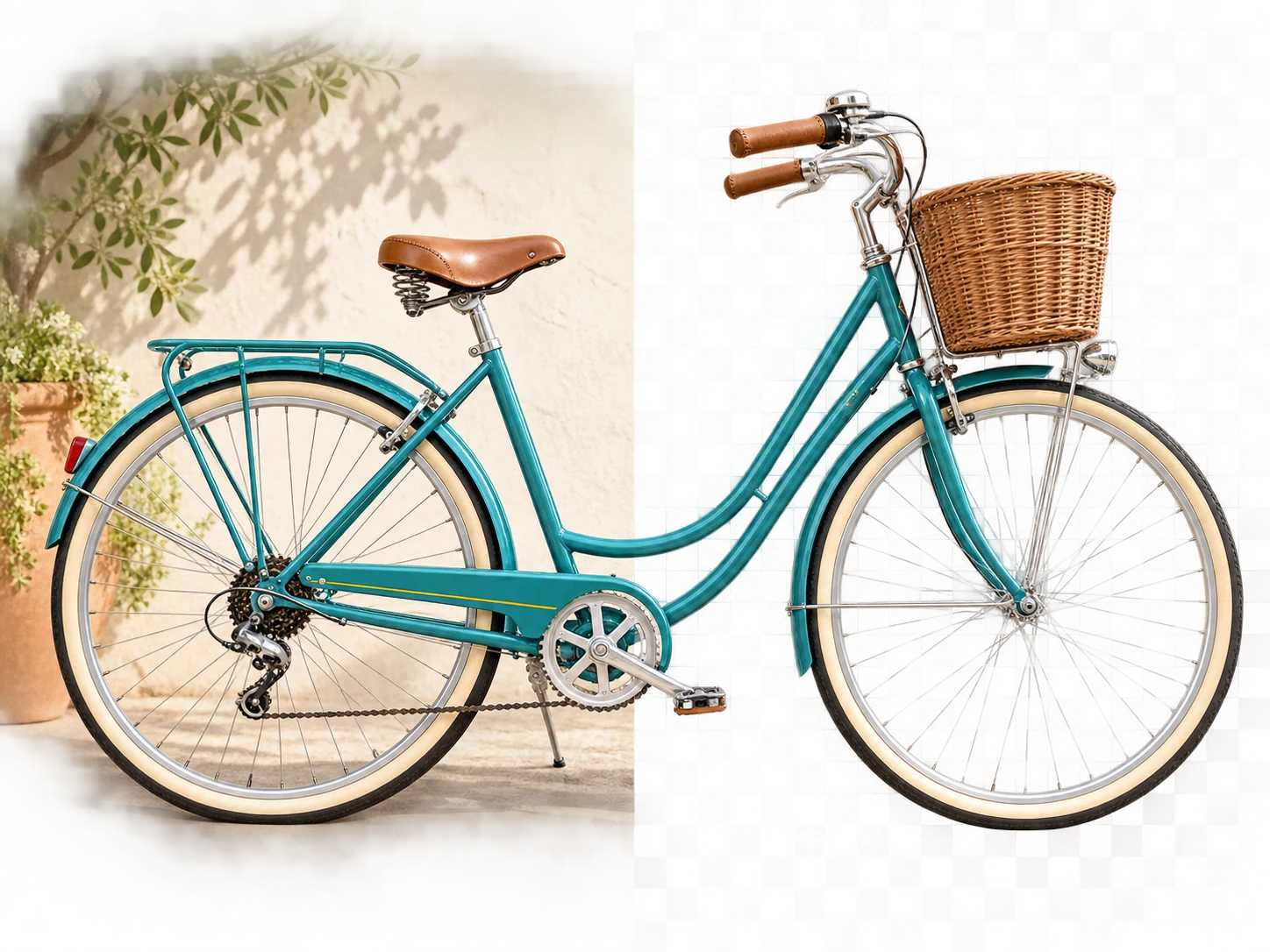
Works on Complex Images
Handle portraits, products, pets, vehicles, logos, and multi-object photos with clean, consistent subject separation.

Check Every Important Edge
Compare the result with your original image and check the edges before downloading your transparent PNG.
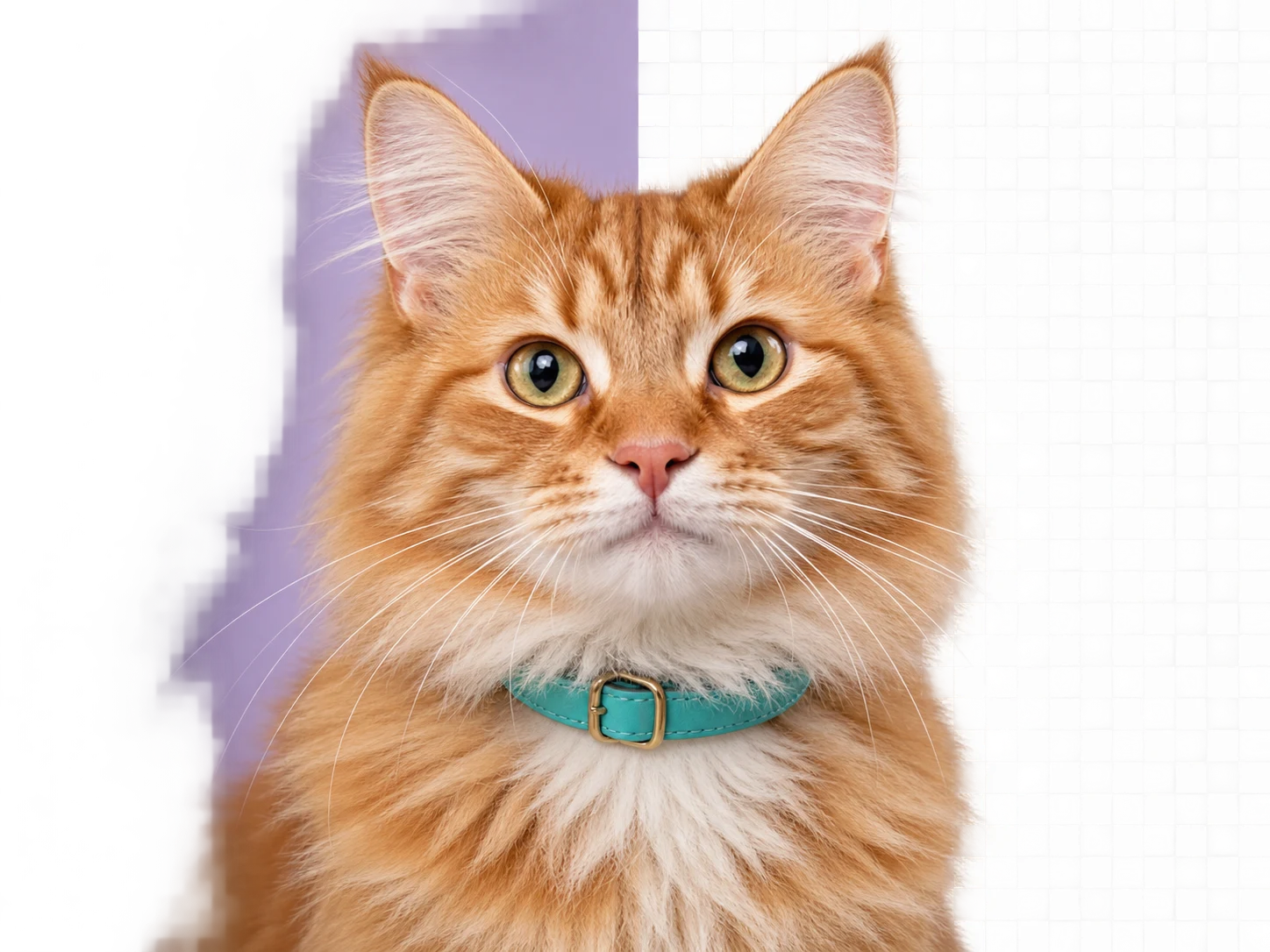
Made for Many Kinds of Images
See how portraits, pets, products, and graphics can become flexible visual assets.
Made for the Images You Use Every Day
Explore ways to turn ordinary photos into flexible visual assets.
Product photos
Prepare product photos for listings, campaign graphics, and storefront updates.
Design assets
Preview the cutout before placing it into a new design.
Content graphics
Reuse one image across thumbnails, posts, and presentation slides.
Catalog images
Give a catalog a more consistent look across a range of products.
Portraits
Inspect details around hair and clothing before using a portrait.
Campaign assets
Make room for an image in ads, landing pages, and social posts.
Shop updates
Update shop imagery without building a complicated editing project.
Slide visuals
Place a visual on both light and dark slides with less rework.
Simple, Transparent Pricing
One completed background removal uses one credit. Choose a recurring plan or a one-time pack.
Monthly
Pro
Best for frequent product and content work.
What's included:
- 250 background removals every month
- 1 credit removes the background from 1 image
- Failed processing does not use credits
- Download the same completed result again without another credit
- JPG, PNG, and WebP uploads
Annual
RecommendedPro
$479 billed once per year. Credits are added monthly.
Best annual plan for frequent product and content work.
What's included:
- 500 background removals added every month
- 6,000 total credits during the annual term
- 1 credit removes the background from 1 image
- Failed processing does not use credits
- Download the same completed result again without another credit
- JPG, PNG, and WebP uploads
One-time
Pro
Best for a larger project without a subscription.
What's included:
- 75 background removals
- Credits are available immediately and never expire
- 1 credit removes the background from 1 image
- Failed processing does not use credits
- Download the same completed result again without another credit
- JPG, PNG, and WebP uploads
Frequently Asked Questions
Quick answers about images, formats, transparent PNGs, and editing.
1 free background removal for eligible new accounts after Google sign-in (1k, medium quality). Limited to 2 accounts per shared network in 30 days. No card required. For more images, choose a subscription or one-time credit pack.
Choose a JPG, PNG, or WebP image in the upload area. Sign in if prompted, then review and download the transparent PNG.
The upload area accepts JPG, PNG, and WebP images.
Completed cutouts download as transparent PNG files.
Product photos, portraits, animals, cars, and graphics are common examples. Clear edges and good lighting usually help.
Use the erase and restore brushes to refine the cutout, change the background, and compare with the original. Download your edited image as a PNG or JPG.
Choose one image at a time in the upload area. You can return to add another image afterward.
You can open the image tool in a mobile browser and choose a photo from your device.
Use a sharp image with good lighting and a clear boundary between the subject and background.
Failed processing does not consume a credit. If a credit was reserved, it is returned after the failure is confirmed; recovery may take a little time. Retry from your result page or contact support@remove-bg.cc if you need help.
Remove the Background from Your Next Image
Upload a JPG, PNG, or WebP file and explore the image workspace.